
Partial Payments on KnoxCourtPay
Eligible Knox County Court fines and fees can be paid in full or in part through KnoxCourtPay. During the payment process (see Pay a Knox County Court Fine or Fee on KnoxCourtPay), you will have the option to enter a partial payment amount.
To make a partial payment, follow the steps below:
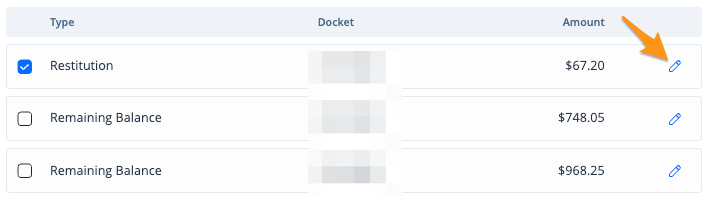
- Select the docket(s) you wish to pay then click the edit pencil
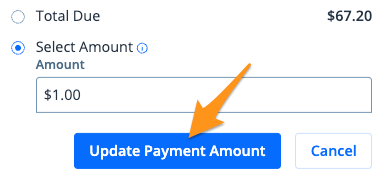
- Select Select Amount, enter the desired amount in the "Amount" field, then click Update Payment Amount
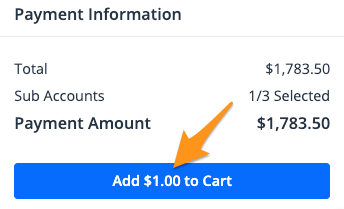
- Click Add $--.-- to Cart
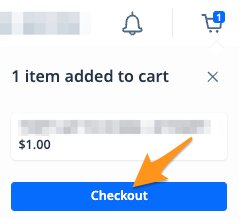
- On the cart notification, click Checkout
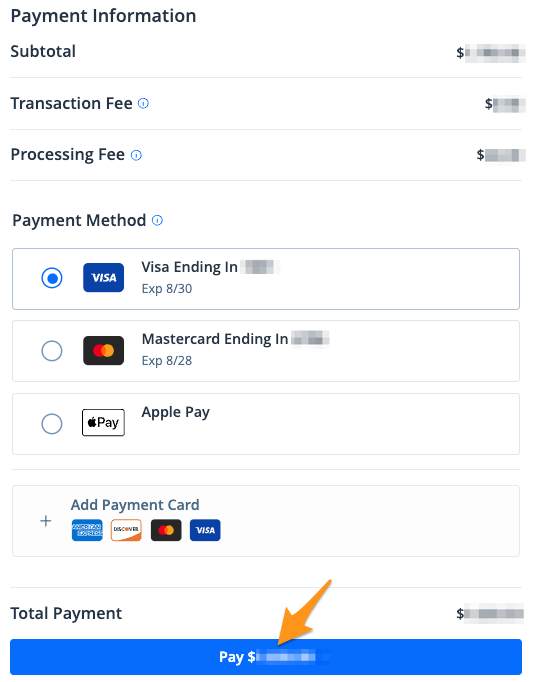
- Select a payment method and click the blue Pay $--.-- button to complete your payment
After completing your payment, you will receive an email confirmation. If you are signed into your KnoxCourtPay profile, a receipt will also be stored in the "Payment History" section of your profile (seeFind a Receipt on KnoxCourtPay).