
Pay a Knox County Court Fine or Fee on KnoxCourtPay
You can now pay your eligible court fines and fees on KnoxCourtPay. KnoxCourtPay. Log in (see Create a Profile on KnoxCourtPay) and follow the steps below to get started:
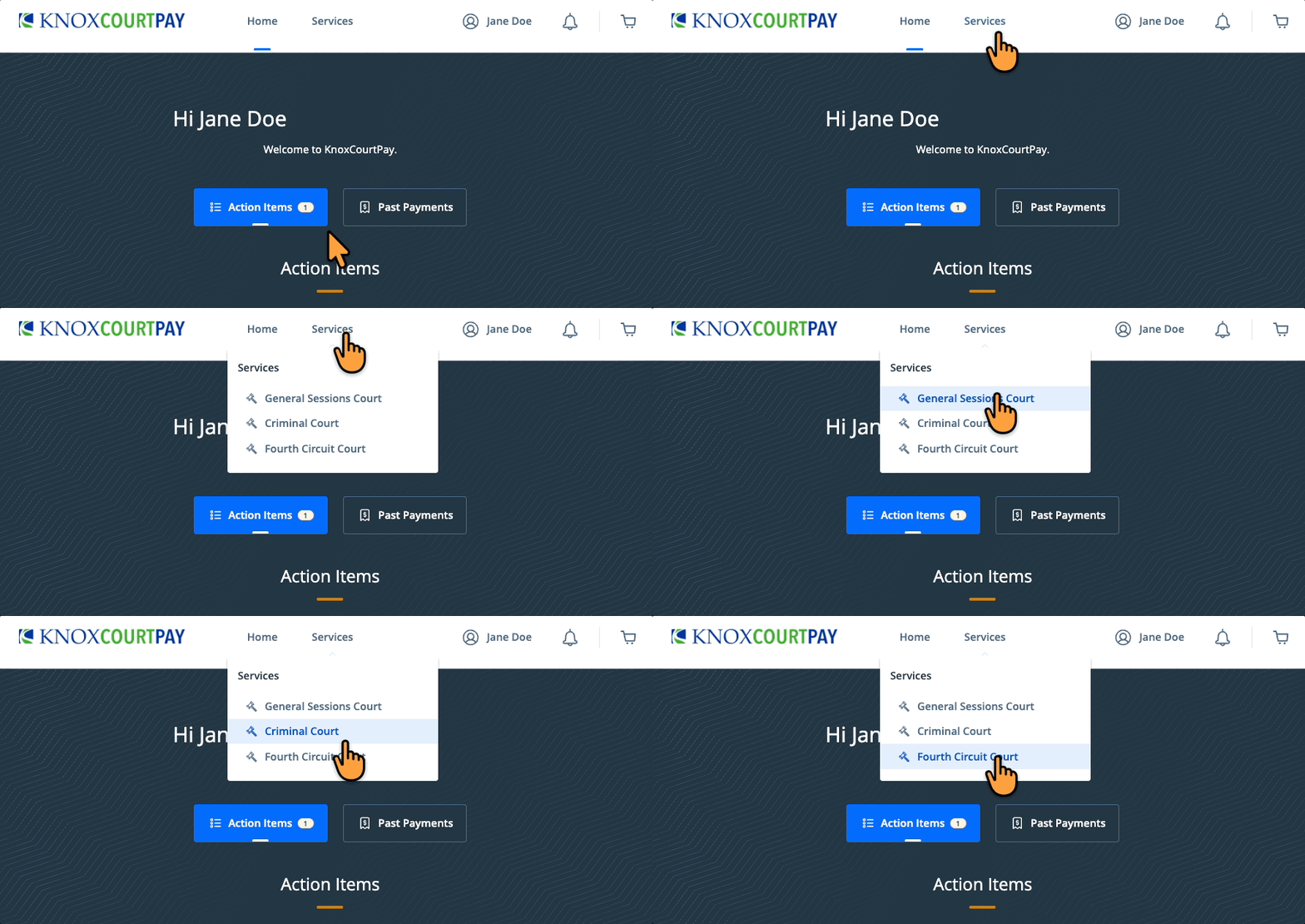
- From the "Services" drop down menu select the appropriate court
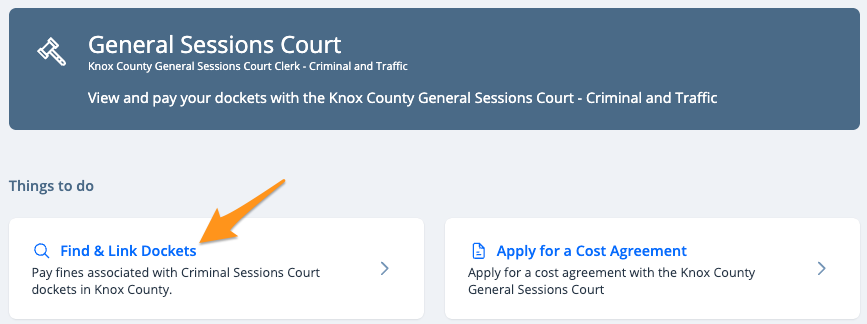
- Click Find & Link Dockets
- Search for your case using your court’s available search criteria, as options may vary.

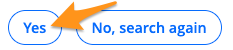
- Confirm the information and click Yes
- Click No, I'm finished

- Enter your contact information and click Enter

- Confirm your contact information and click Yes, it is

- Click View Linked Dockets and Pay

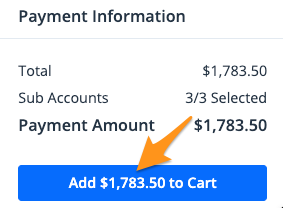
- Select the docket(s) you wish to pay and click Add $--.-- to Cart
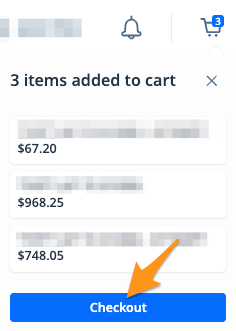
- On the cart notification, click Checkout
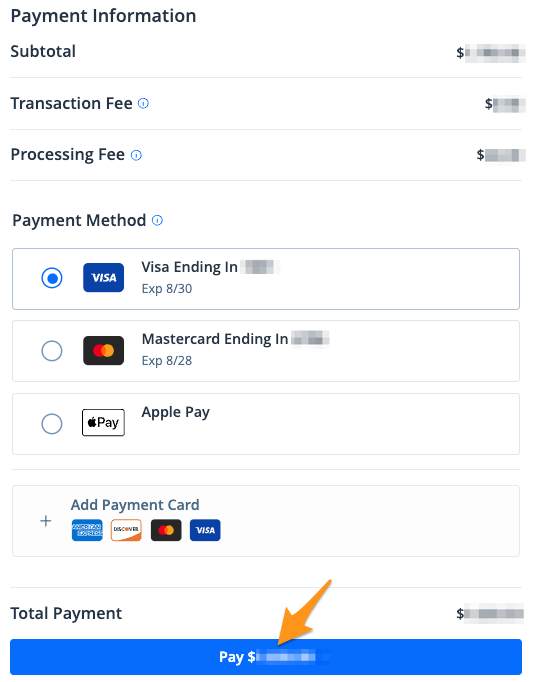
- Select a payment method and click the blue Pay $--.-- button to complete your payment
After completing your payment, you will receive an email confirmation. If you are signed into your KnoxCourtPay profile, a receipt will also be stored in the "Payment History" section of your profile (seeFind a Receipt on KnoxCourtPay).